Making Your First BOX in Lightburn!
Designing and Making Your First BOX in Lightburn!

Hobbies & Creations, a Tutor and a Student
Designing and Making Your First BOX in Lightburn!
Sample Laser Engrave & Cut, and Designing From Scratch!
If you’re a new user, it is important to watch the entire video! If you’re an experienced user, I have
LightBurn 1.1.00 released – better handling of multiple lasers, SVG text importing, UI improvements, and lots of fixes! Lightburn Version
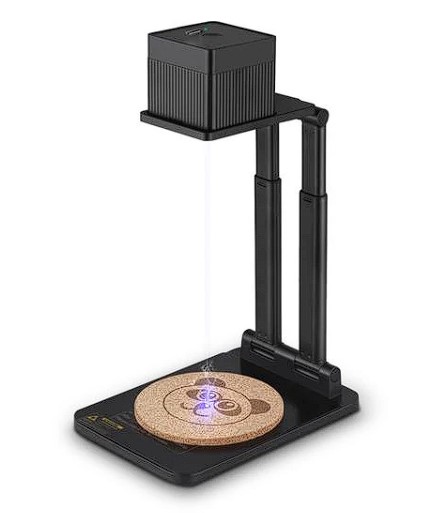
As promised in my YouTube review video, I have started the raffle to give away the Dewallie Mini Desktop laser!
In this video review, I will show you how easy this mini laser engraver was to use! AND I’ll be
DIY Camera Build & Software Hack!
Fresh off the presses! You emailed me, My response!
I am doing a fair and honest review, the good and the bad & the ugly. If you would like
How to get better cuts and engravings on your hobby laser – power tests. ====Video mentions==== Laser Cutting and assembling